Overview
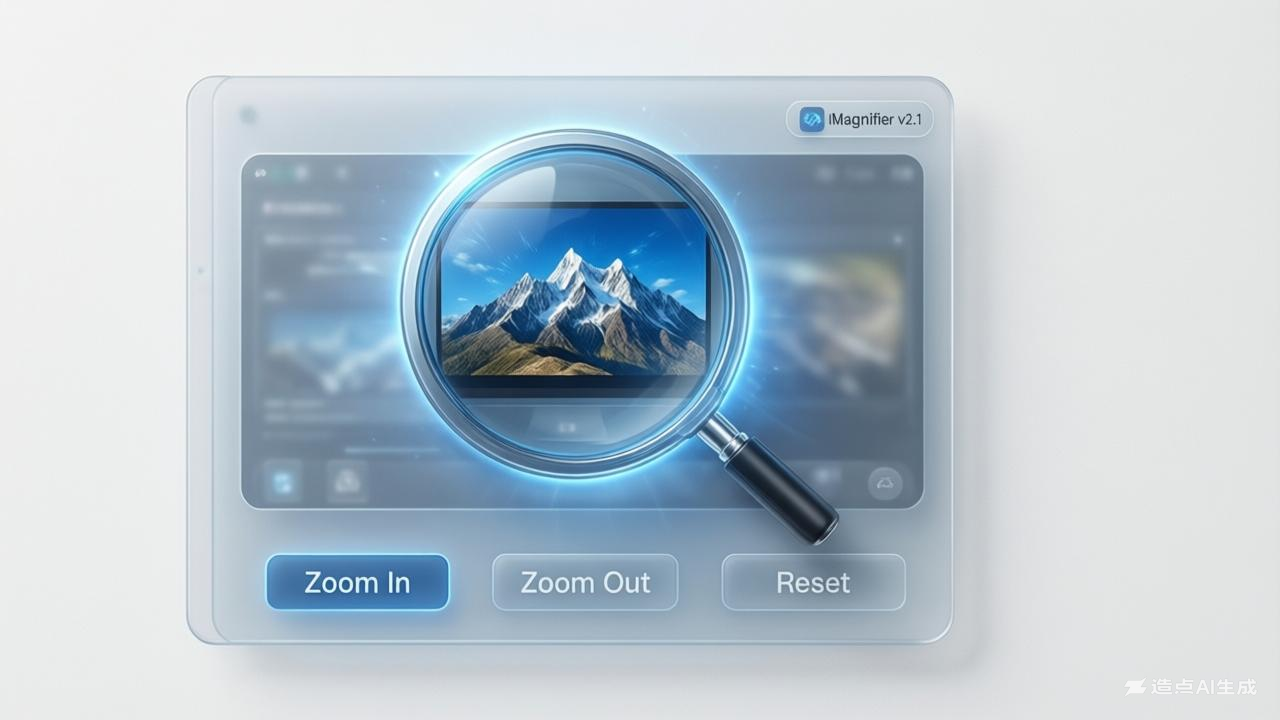
The Image Magnifier adds an interactive zoom lens to any uploaded image. Available in two modes — a circular floating lens and a corner preview panel — it allows users to closely examine image details at 2× to 8× magnification without any software installation.
How to Use
Upload any image by clicking the upload zone or dragging a file. Choose between Circle Lens mode (a round magnifying glass that follows your cursor) and Corner Preview mode (a fixed panel in the corner showing a zoomed view). Adjust zoom level from 2× to 8× using the slider. In Circle mode, also adjust the lens size from 80 to 220 pixels.
Background & Context
Magnification tools are essential in fields including digital forensics, medical imaging, quality control in manufacturing, and fine art restoration. Modern digital zoom differs from optical zoom — digital zoom simply crops and enlarges pixels (reducing quality), while optical zoom uses lens elements to physically bring objects closer without quality loss.