Overview
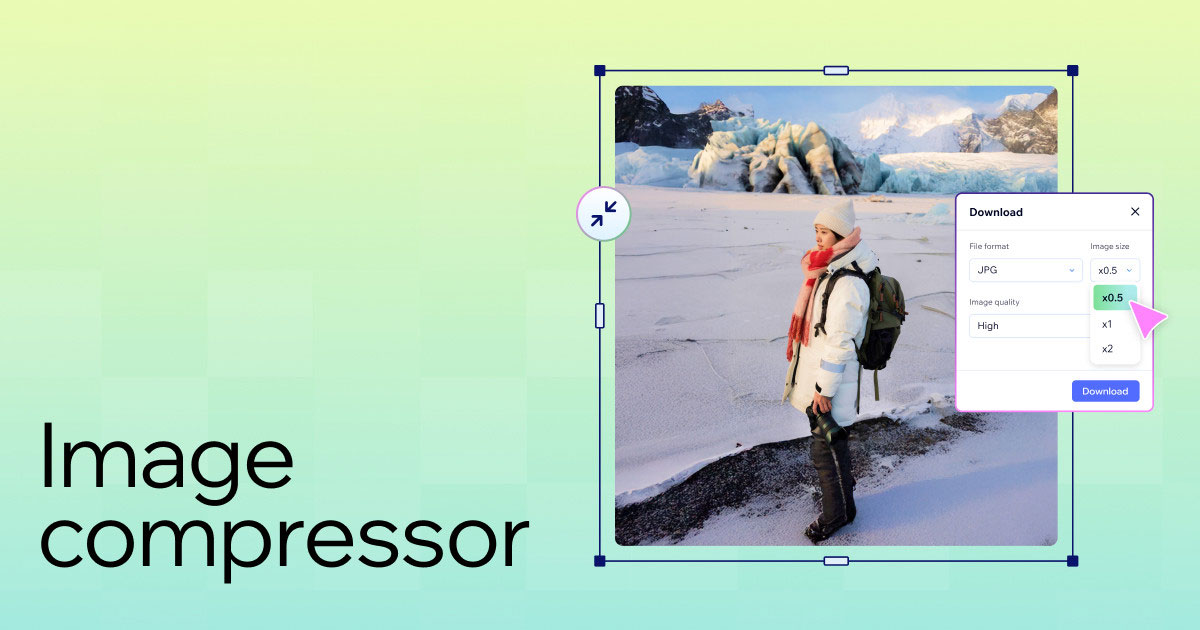
The Image Compressor reduces image file sizes entirely in the browser using the HTML5 Canvas API, with no server uploads required. It supports JPEG, WebP, and PNG output formats, offers quality and maximum width controls, and displays a before/after size comparison with savings percentage.
How to Use
Upload an image to see it displayed side-by-side with a compressed preview. Choose an output format (JPEG for photos, WebP for best compression, PNG for lossless). Adjust Quality (10–100%) and Max Width sliders to balance file size vs. visual quality. The savings bar shows compressed size vs. original in real time. Click Download to save the compressed version.
Background & Context
WebP is a modern image format developed by Google in 2010 that provides 25–34% better compression than JPEG at equivalent quality. It supports transparency (like PNG) and animation (like GIF). As of 2024, WebP is supported by all major browsers. JPEG uses Discrete Cosine Transform (DCT) compression, which works by discarding high-frequency visual information that humans are less sensitive to.