Overview
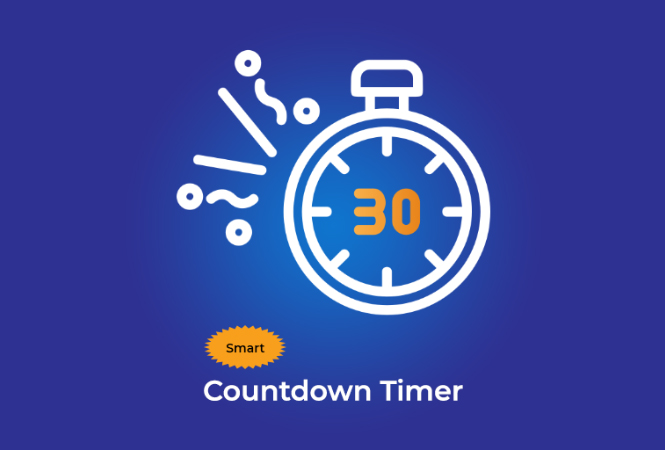
The Countdown Timer counts down to any target date and time, displaying days, hours, minutes, and seconds remaining. An animated ring shows elapsed progress, and quick-preset buttons allow setting common countdowns instantly. A celebration animation triggers when time is up.
How to Use
Give your event a name, pick a target date and time using the date picker, then click “Start Countdown.” Quick presets (+1 Day, +1 Week, +30 Days, +100 Days, +1 Year, Next New Year) set the target instantly. The progress ring tracks how much time has elapsed as a percentage of the total duration. The ring turns yellow, then red as the deadline approaches.
Background & Context
Countdown timers are used in contexts ranging from rocket launches to New Year celebrations, sports events, and marketing campaigns. NASA’s launch countdown format — T−XX:XX:XX — has become iconic. The psychological effect of countdowns creates anticipation and urgency, which is why they are commonly used in e-commerce flash sales and event promotion.